Debt Payoff Planner
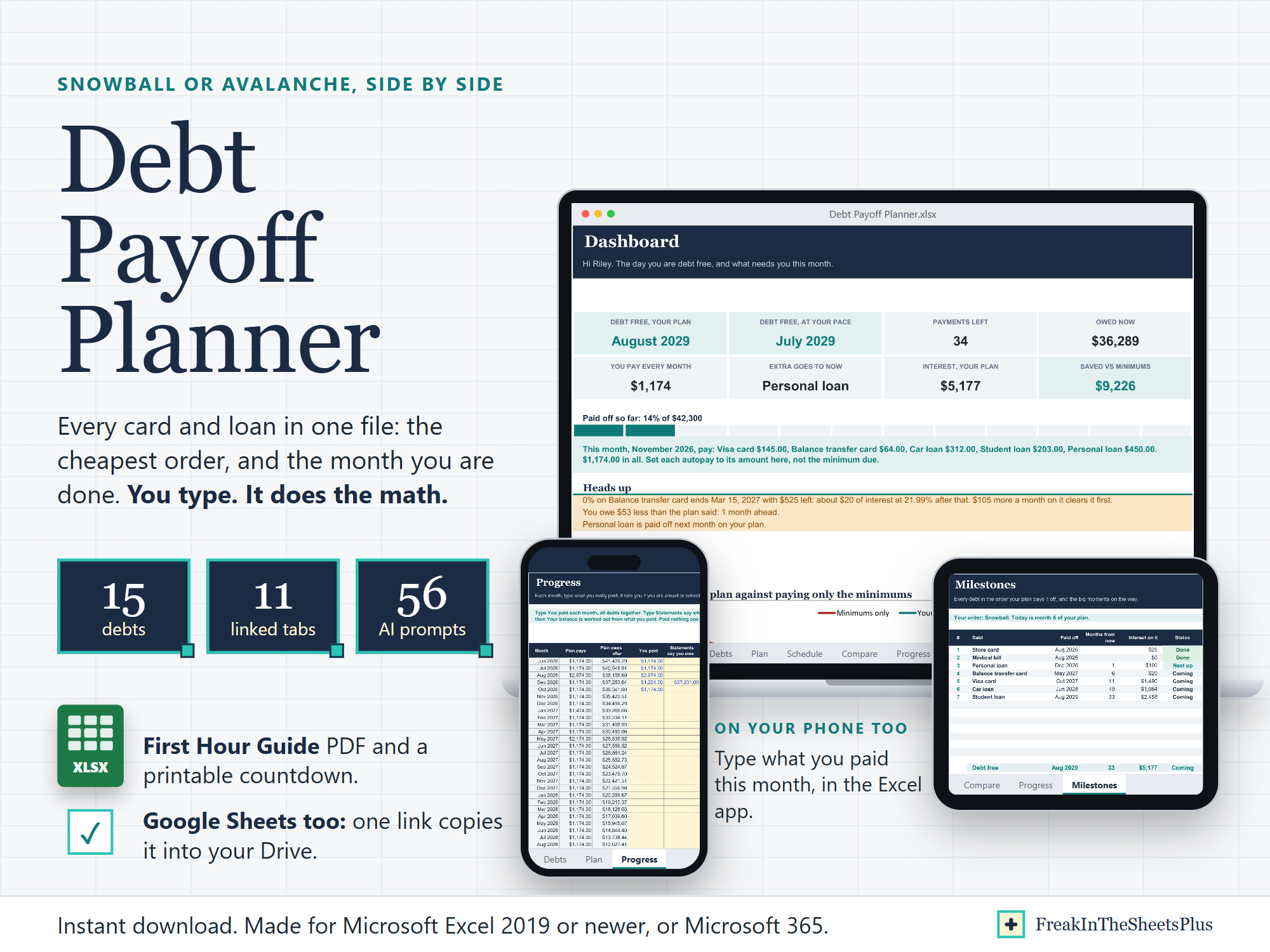
Debt Payoff Planner puts every card and loan in one Excel file and works out two things: the order that costs you the least, and the month you are done. You type the balances. It does the math.
| Price | $12.99 |
|---|---|
| Delivery | Instant download. Nothing is shipped. |
| Works in | Microsoft Excel 2019 or newer, or Microsoft 365, on a computer or in the Excel phone app. Google Sheets too: the links PDF copies the planner into your Google Drive. |
Checkout, payment and the download happen on Etsy.
What you get
- Debt Payoff Planner.xlsx
- First Hour Guide (PDF): from the sample to your own debt-free date in seven steps, and five minutes on the math
- Debt-Free Countdown (PDF): a box for every $100 and a debt-by-debt page, to color in by hand
- Google Sheets Links (PDF): one click copies the planner into your Google Drive
This is an instant digital download. Nothing is shipped.
Snowball or avalanche? You do not have to guess. The planner runs both on your own numbers, plus your own order and minimums only, side by side on the same money, and says in plain words what each one costs and how soon each first win comes.
What it does for you
- Your debt-free month, two ways: on your plan, and at your real pace from what you have really paid.
- The rollover, done for you: every debt gets its minimum, the extra goes to the first debt in line, and when a debt is paid off its money moves to the next one the same month.
- 0% offers handled: type the date it ends and the plan keeps it at 0% until then. The Dashboard says what will be left when the rate jumps, what that costs, and how much more a month clears it first.
- Compare: minimums only, snowball, avalanche and your order, with the debt-free month, the payments, the total interest and what each saves against paying only the minimums. A what-if box shows what $50 more a month would do.
- Schedule: every month for every debt, what you pay, the interest and what is left. Green marks the month a debt is paid off.
- One-time payments: a tax refund or a work bonus goes into its month.
- This month, pay: the Dashboard spells out what goes to each debt this month, so you can set each autopay to the right amount instead of the minimum due.
- Progress: type what you really paid each month and, now and then, what your statements say you owe. It shows if you are ahead or behind, moves your date, and flags a month you skipped.
- Milestones: each debt in the order it goes, and the month you are a quarter, halfway and three quarters done.
- Check column: flags a missing balance, a blank or unusually high rate, the same debt typed twice, and a minimum too small to cover the interest.
What is inside (11 tabs)
Start Here, Dashboard, Debts, Plan, Schedule, Compare, Progress, Milestones, Countdown, Setup, AI Prompts.
Room for 15 debts, 30 one-time payments and 30 years of months.
56 copy-paste AI prompts, two ways
Ask an AI inside your spreadsheet (Copilot in Excel, Claude for Excel, Gemini in Google Sheets): it reads the open file, so 20 prompts have it explain the file, check your typing, say which debt to pay next, explain the 0% cliff, find your fastest order, work out how much extra gets you free by a date, build a payment calendar, check the plan against your statements, run a monthly check-in, and improve the file for you: a Due day column, highlights on the expensive months.
Or any AI chat (ChatGPT, Claude or Gemini): 20 prompts already carry your numbers from the sheet, so they work in any AI: set up your autopays, beat each 0% offer before the rate jumps, a one-page summary for a credit counselor, what to do with a raise, what paying only the minimums really costs, debt payments as a share of your pay, three ways to adjust when you are behind, stress-test your plan, answer a collector's settlement offer, where your money goes this month, find the money for the extra $100, write a hardship call script, ask for a lower rate, weigh a balance transfer, plan a tax refund, emergency fund or debt first, talk to your partner about it. And 16 read the attached file: compare a consolidation loan, write a hardship letter, negotiate a medical bill, find extra money in a bank export, student loan options, what paying it off does to your credit, plan for a hard month, life after debt, and more.
The AI tools are not included: each comes with its own plan, and Copilot in Excel needs Microsoft 365.
Good to know
- Sample data (one made-up household, seven debts) shows how it works, and its dates move with the day you open it. Type over it, or clear it and start fresh.
- The planner keeps paying the minimum you typed, even as a card's own minimum shrinks. That is what gets you out faster, and the guide explains why.
- It charges interest once a month, so your statements will differ by a few dollars. Type your real balance on Progress now and then and it lines back up.
- The formulas are locked so they cannot break. The yellow cells are the ones you type in.
- Google Sheets does not lock the formulas, so in Sheets type only in the yellow cells.
- It never needs a card number, account number or password.
- This planner does arithmetic. It is not financial, tax or legal advice.
- For your own use. Please do not resell or share the files.
More sheets
| Picture | Sheet | What it does | Price | Buy |
|---|---|---|---|---|
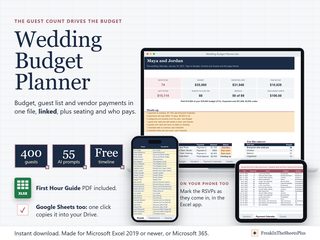
| Wedding Budget Planner | Wedding Budget Planner is a wedding spreadsheet where the guest count drives the budget. The money, the guest list and every vendor payment live in one file, in Excel or Google Sheets, so a change in one shows up everywhere: ten more guests, a new quote, a payment marked paid. | $14.99 | Buy on Etsy: Wedding Budget Planner | |
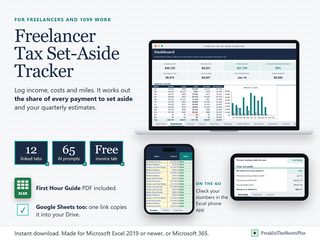
| Freelancer Tax Set-Aside Tracker | Freelancer Tax Set-Aside Tracker is a tax planner for people paid without tax taken out, in Excel. Type what clients pay you, what the work costs and the miles you drive, and it works out the share of every payment to set aside for tax and the four estimated payments that keep you clear of an underpayment penalty. | $14.99 | Buy on Etsy: Freelancer Tax Set-Aside Tracker | |
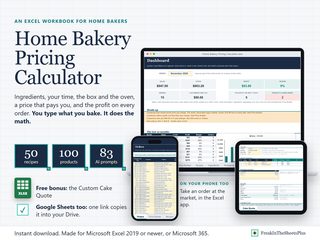
| Home Bakery Pricing Calculator | Home Bakery Pricing Calculator works out what each thing you bake really costs, and the price that pays you. Type your ingredients the way you buy them and your recipes the way you bake them, in cups or grams, and it adds your time, the oven, the box and your monthly bills to every product. | $12.99 | Buy on Etsy: Home Bakery Pricing Calculator |